
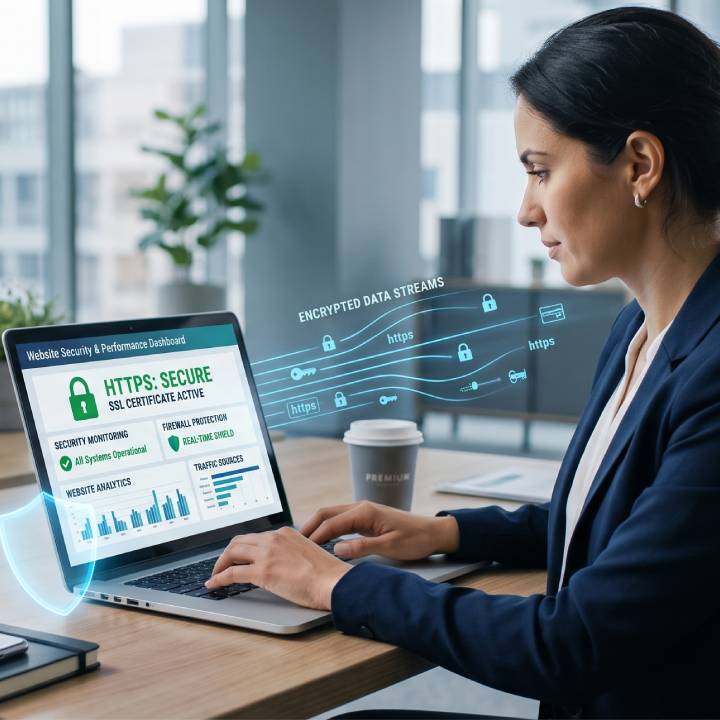
Website security is no longer just an IT concern, it’s an essential part of running a successful business online. A secure website protects your business, your customers, and your reputation while helping maintain your search engine rankings. Even small businesses can become targets for cyberattacks, making it important to implement basic security measures before problems occur.
The good news is that improving your website’s security doesn’t have to be complicated. By following a few best practices, you can significantly reduce your risk and create a safer experience for your visitors.
Why Website Security Matters
A security breach can have serious consequences for your business.
Without proper protection, you could face:
- Loss of customer trust
- Stolen customer information
- Website downtime
- Reduced search engine rankings
- Financial losses
- Damage to your brand reputation
Google may also warn visitors if your website has been compromised, which can discourage potential customers from visiting your site.
Our Website Design Services include building secure, high-performing websites that support long-term business growth.
Website Security Best Practices
Use an SSL Certificate
An SSL certificate encrypts data transferred between your website and its visitors.
You’ll know a website is protected when its address begins with HTTPS rather than HTTP.
An SSL certificate helps:
- Protect sensitive information
- Build customer trust
- Support SEO
- Secure online forms
Google has confirmed HTTPS is a ranking signal, making SSL an important part of both security and search engine optimisation.
Keep Your Website Updated
Outdated software is one of the most common causes of website security vulnerabilities. Regularly update your:
- Content management system (CMS)
- Plugins
- Themes
- Extensions
Applying updates promptly helps protect your website against known security risks.
Use Strong Passwords
Weak passwords make it easier for attackers to gain access to your website. Use passwords that:
- Are unique
- Include upper and lowercase letters
- Contain numbers and symbols
- Are stored securely using a password manager
If multiple people access your website, ensure each person has their own login credentials.
Enable Multi-Factor Authentication
Multi-factor authentication (MFA) adds another layer of protection by requiring users to verify their identity before logging in.
Even if a password is compromised, MFA makes it much harder for unauthorised users to access your website.
Back Up Your Website Regularly
Regular backups allow you to restore your website if something goes wrong.
Your backups should include:
- Website files
- Images
- Databases
- Content
Store backups securely and test them periodically to ensure they can be restored successfully.
Choose Reliable Web Hosting
Your hosting provider plays an important role in website security. Look for hosting that offers:
- Automatic backups
- Malware monitoring
- Firewalls
- Security updates
- Reliable uptime
Choosing quality hosting provides a stronger foundation for your website.
Monitor Your Website
Regularly monitor your website for unusual activity. Watch for:
- Unexpected changes
- Failed login attempts
- Broken pages
- Slow performance
- Security alerts
Detecting issues early helps minimise potential damage.
Common Website Security Mistakes
Many businesses unintentionally increase their risk by:
- Using outdated software
- Reusing passwords
- Ignoring security updates
- Not backing up their website
- Choosing low-quality hosting
- Giving unnecessary administrator access
Reviewing your website regularly helps identify and fix these issues before they become major problems.
How Website Security Supports SEO
Website security doesn’t just protect your business, it also supports your SEO strategy.
Search engines prioritise websites that provide a safe browsing experience. A secure website can help:
- Improve user trust
- Reduce bounce rates
- Protect your search rankings
- Maintain website availability
- Support long-term SEO performance
Our SEO Services help businesses improve both website performance and search visibility.
FAQs
Why is website security important?
Website security protects your business, customer information, and online reputation while reducing the risk of cyberattacks and website downtime.
Does website security affect SEO?
Yes. Google uses HTTPS as a ranking signal, and security issues can negatively affect your search visibility and customer trust.
How often should I back up my website?
The ideal frequency depends on how often your website changes, but regular automated backups are recommended for most businesses.
What is the easiest way to improve website security?
Start by installing an SSL certificate, keeping your website software updated, using strong passwords, enabling multi-factor authentication, and choosing a reliable hosting provider.